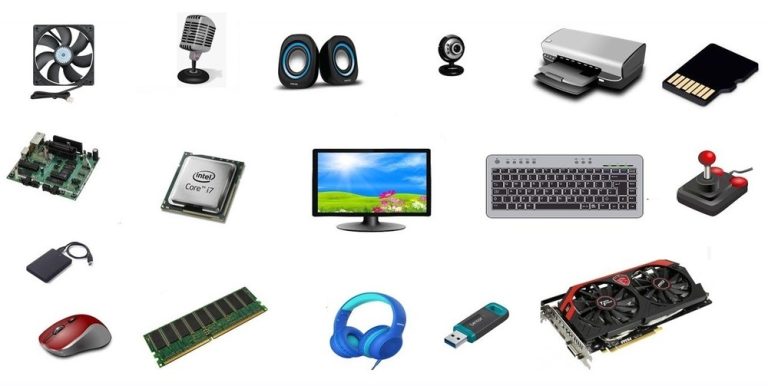
Discover how to choose the best computer hardware for work, gaming, or everyday use. Learn what specs matter most before buying or upgrading.
Choosing the Right Computer Hardware for Your Needs
Buying a computer can feel overwhelming, especially with so many hardware options available. Understanding what matters most for your usage helps you choose a machine that’s fast, reliable, and cost-effective.
Start With How You Use Your Computer
Your daily tasks determine what hardware you actually need.
Everyday Use (Browsing, Office Work, Streaming)
For general use, you don’t need expensive components. A mid-range processor, 8–16GB RAM, and an SSD will deliver smooth performance.
Creative Work and Gaming
If you edit videos, design graphics, or play modern games, stronger hardware becomes essential.
Key upgrades include:
- Multi-core processor for heavy workloads
- Dedicated graphics card for visual performance
- 16–32GB RAM for demanding software
These upgrades dramatically improve speed and efficiency.
Choosing the Right Storage Setup
Storage affects both speed and capacity.
- SSD: Faster boot times and program loading
- HDD: Budget-friendly large storage
A popular solution is combining both: SSD for system speed and HDD for file storage.
Think About Future Upgrades
Future-proofing your computer saves money long term. Consider:
- A motherboard with extra RAM slots
- Expandable storage options
- A processor powerful enough for several years
Planning ahead prevents your computer from becoming outdated too quickly.
Final Thoughts
The best computer hardware isn’t the most expensive — it’s the one that matches your needs. By focusing on performance where it matters most, you can build or buy a computer that stays efficient for years.
Keywords: best computer hardware, choosing PC components, gaming PC specs, computer buying guide, SSD vs HDD, RAM requirements
.